The NDC.org portal provides three productivity tools to help you process Trustee disbursements. Especially if this is a check or EFT, this service can be a huge productivity gain by standardizing the format of the disbursement data (often called a Voucher) and providing additional filering and bulk Voucher viewing tools.
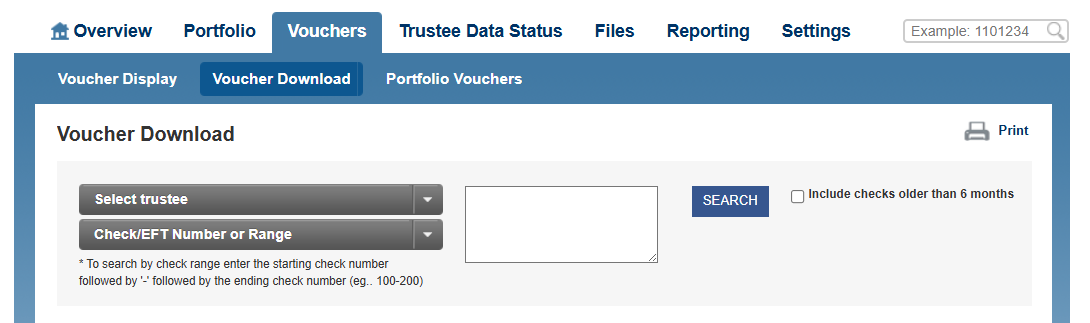
To access the NDC Voucher services, go to the main Voucher tab.
This defaults to the Voucher Download menu
Voucher Display
However lets first go through the features of Voucher Display
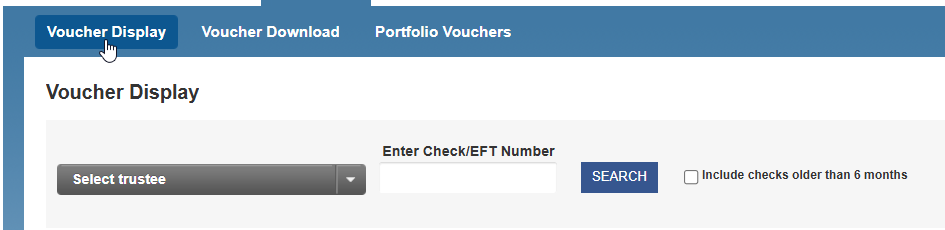
To use this we assume you have a check or EFT transaction for which you need to retrieve a digital copy of that check disbursement breakdown (the voucher).
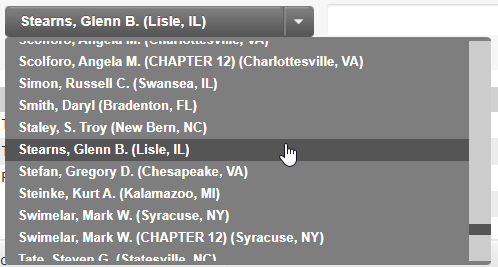
To do this with NDC.org, select the Trustee from the dropdown
Then type in the check number and press the Search button
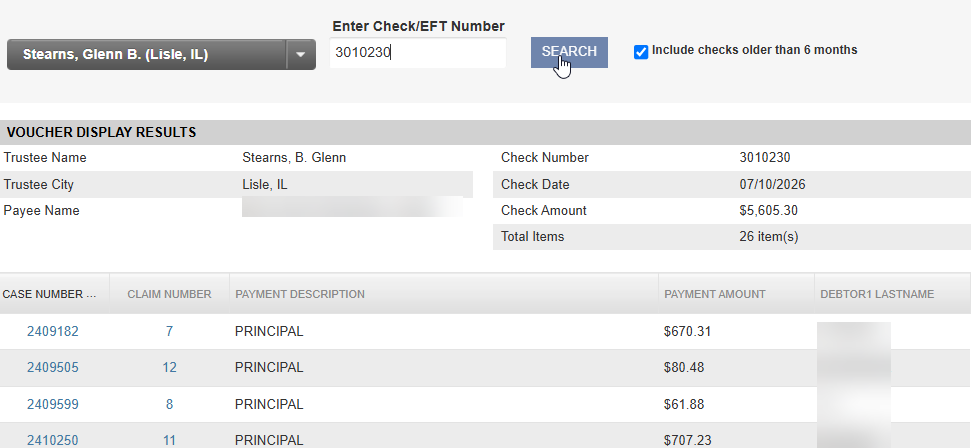
This will display the web version of the digital voucher for this check.
You can click on the hyperlined Case Number of Claim Number to go directly to the appropriate Case or Claim seen for this line item.
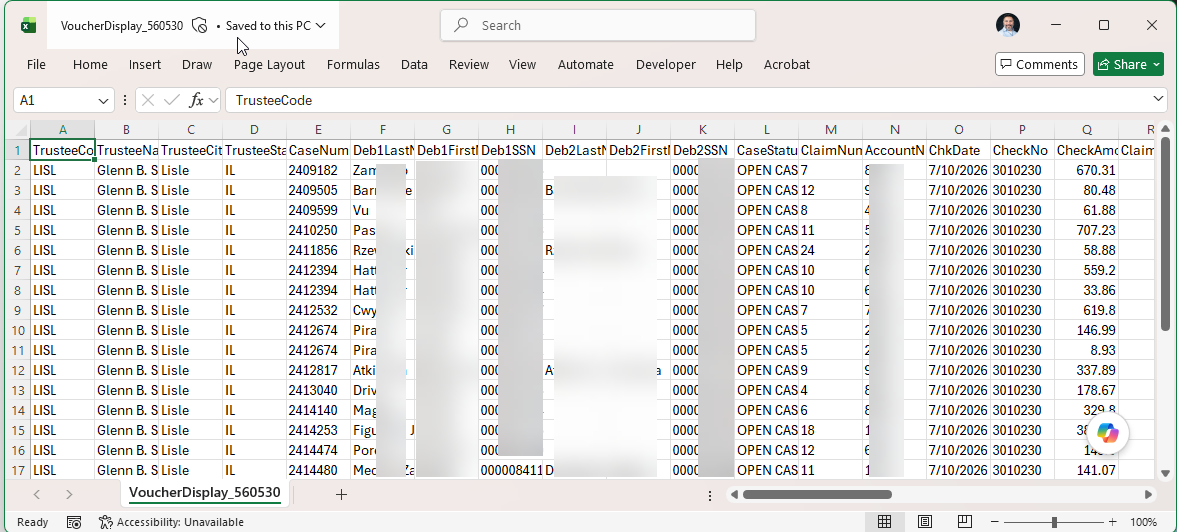
We often recommend downloding the Excel version of this check for complete information about each transaction line. Scroll to the bottom of the page and click Download to Excel
This downloads a file to your browser which contains much more detailed transactional information: